FREE Custom PC Build Quotes
• Receive a personalized parts list and ready-to-order quote within
24–48 business hours.
Request Yours →
FREE Custom PC Quote →
PC Buying Guide
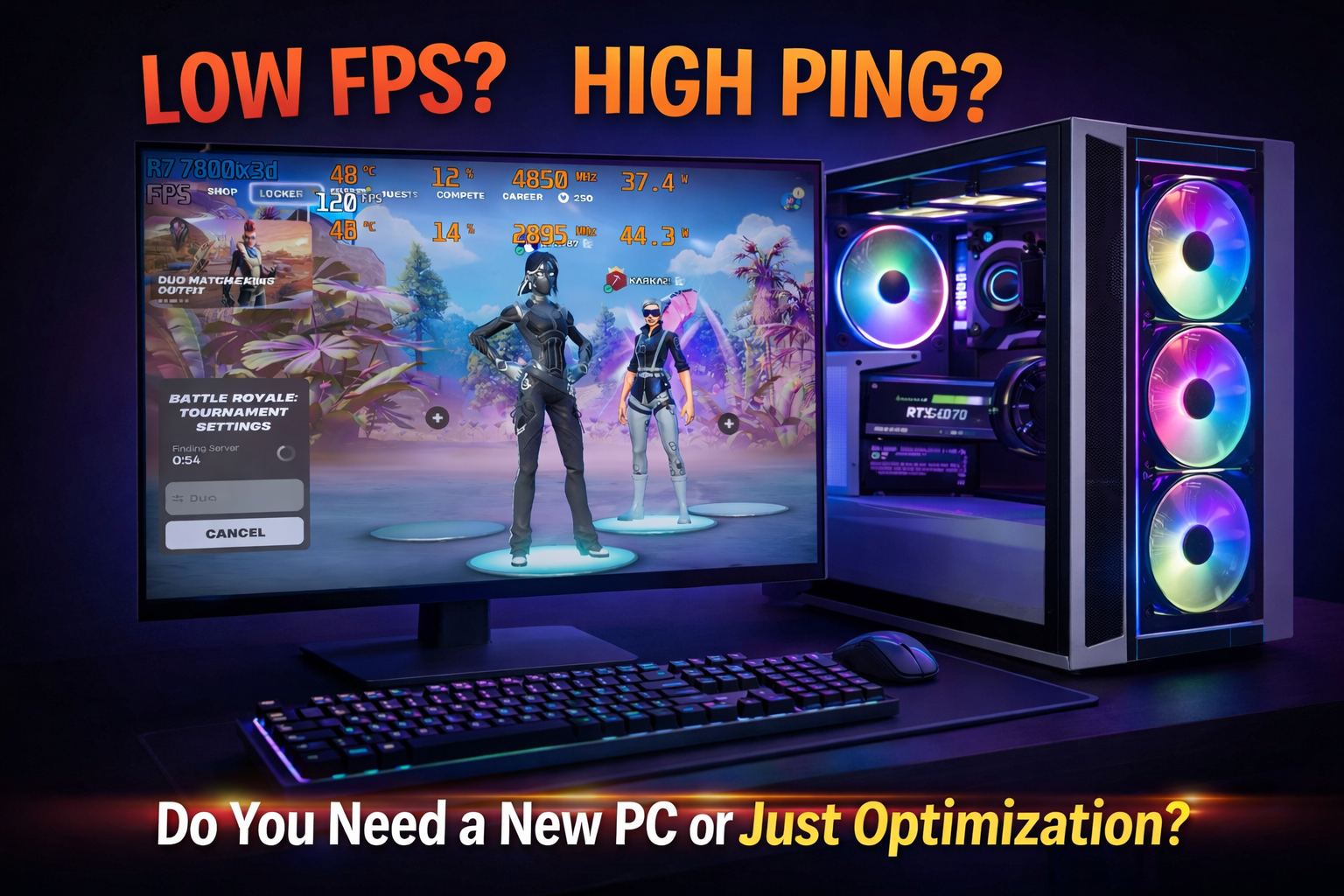
Do You Need a New PC or Just Optimization?
If your computer feels slow, unstable, or frustrating to use, your first thought might be that you need a brand-new PC. But that is not always true. In many cases, the real problem is poor setup, background clutter, weak thermals, outdated settings, or a lack of proper optimization. Before spending hundreds or thousands, it helps to know what is actually holding your system back.
In this guide
Why people often guess wrong
A slow PC does not always mean bad hardware.
We see this often. A computer can have decent parts and still feel sluggish, inconsistent, hot, noisy, or unstable. That can happen because of startup bloat, poor Windows settings, messy driver configuration, background apps, thermal problems, storage issues, or a system that has never been tuned properly.
Many people replace a PC too early. Others keep fighting an outdated machine for too long. The right move is to identify the real limitation first.
If your main issue is gaming performance, you may also want to read our guide on why your FPS drops in Fortnite.
What optimization actually means
Optimization means helping your current PC perform closer to its real potential.
That does not mean random tweak packs or fake speed booster software. Proper optimization is a controlled process that improves responsiveness, performance, consistency, and general system feel without unnecessary risk.
Optimization can help with:
- Slow startup times
- Lag, stutter, or inconsistent performance
- Poor gaming feel and unstable FPS
- Too many background apps
- Bad Windows or driver settings
- General system clutter
Optimization cannot fully fix:
- Hardware that is far too old
- A failing SSD, GPU, or other bad component
- Very weak hardware for modern workloads
- Serious RAM or storage limitations
- Physical damage or worn-out parts
- Unrealistic expectations from entry-level systems
Signs you only need optimization
You probably do not need a whole new PC if your system still has decent hardware and the main issue is that it feels messy, inconsistent, or poorly tuned.
Common signs your current PC may still be worth keeping
- Your computer is not very old, but it feels slower than it should.
- Your games run, but performance feels inconsistent instead of completely unplayable.
- You get FPS drops, hitching, stuttering, or random slowdowns.
- You have never had the system cleaned up or optimized properly.
- You upgraded one or two parts, but the improvement felt disappointing.
- Your temperatures, startup apps, storage usage, and driver settings have never been checked carefully.
In these cases, spending money on optimization first is usually the smarter move.
If this sounds like your situation, start with our remote PC optimization service or contact us for honest advice.
Signs you may need a new PC
Sometimes optimization helps, but the hardware itself is still the bottleneck. That is when a replacement system, a major upgrade, or a fresh custom build starts to make more sense.
You may truly need a new PC if:
- Your system is many years old and struggles with your normal workload.
- Your CPU or GPU is too weak for the games or software you use now.
- You are still relying on outdated storage or severely limited memory.
- Your platform has little to no worthwhile upgrade path left.
- You are experiencing repeated hardware instability or failure.
- You already cleaned, repaired, and optimized the system, but it still falls short.
If that is where you are, it may be smarter to invest in something purpose-built instead of continuing to patch an aging machine.
You can request a custom PC build or browse our current listings if you want a tested ready-to-go option.
The smartest way to decide
The best approach is simple:
-
Start with a real diagnostic.
Find out what the actual problem is before buying anything. -
Identify the real bottleneck.
It could be software, thermals, storage, memory, settings, or hardware age. -
Choose the smallest effective solution first.
Sometimes that means optimization. Sometimes it means one upgrade. Sometimes it means a full replacement.
A good recommendation should save you money when possible, not push you into a new build automatically.
How we help at DkBuildsPC
We help people make the right decision for their setup, budget, and goals.
If your current PC is worth saving
We can improve performance, reduce clutter, clean up Windows behavior, and help your computer feel smoother and more stable through our remote optimization service.
If your system needs better hardware
We can point you toward the right next step, whether that is a targeted upgrade or a fully custom-built PC designed around what you actually need.
If you want something ready now
You can also check our available listings for tested systems that are already built and available.
Frequently asked questions
Can optimization really make a noticeable difference?
Yes. On the right system, proper optimization can improve responsiveness, reduce unnecessary background load, clean up startup behavior, and create a smoother overall experience. It cannot replace weak hardware, but it can make a good PC perform much better.
How do I know if my PC is too old to save?
If your system still struggles with your normal use even after cleanup and proper setup, or if the platform is severely outdated with little upgrade value left, replacement may be the better investment.
Should I upgrade one part or replace the whole PC?
That depends on the platform, your goals, and what is actually limiting performance. Sometimes one upgrade helps. Sometimes it creates imbalance and leads to more spending later. A proper diagnostic makes the decision much easier.
Do you only help local clients?
No. For software tuning and many performance issues, our remote PC optimization service allows us to help many clients without an in-person visit.