FREE Custom PC Build Quotes
• Receive a personalized parts list and ready-to-order quote within
24–48 business hours.
Request Yours →
FREE Custom PC Quote →
Step 1 of 2 • Payment & Details
Remote PC & Laptop Optimization Service
Choose your package, submit your details, and get professional remote PC optimization for your PC or laptop. Our remote PC optimization service is designed to improve speed, responsiveness, gaming performance, FPS, and everyday usability.
- Professional remote optimization for gaming PCs and laptops
- Boost FPS, improve responsiveness, and reduce lag
- Simple two-step flow: payment first, scheduling second
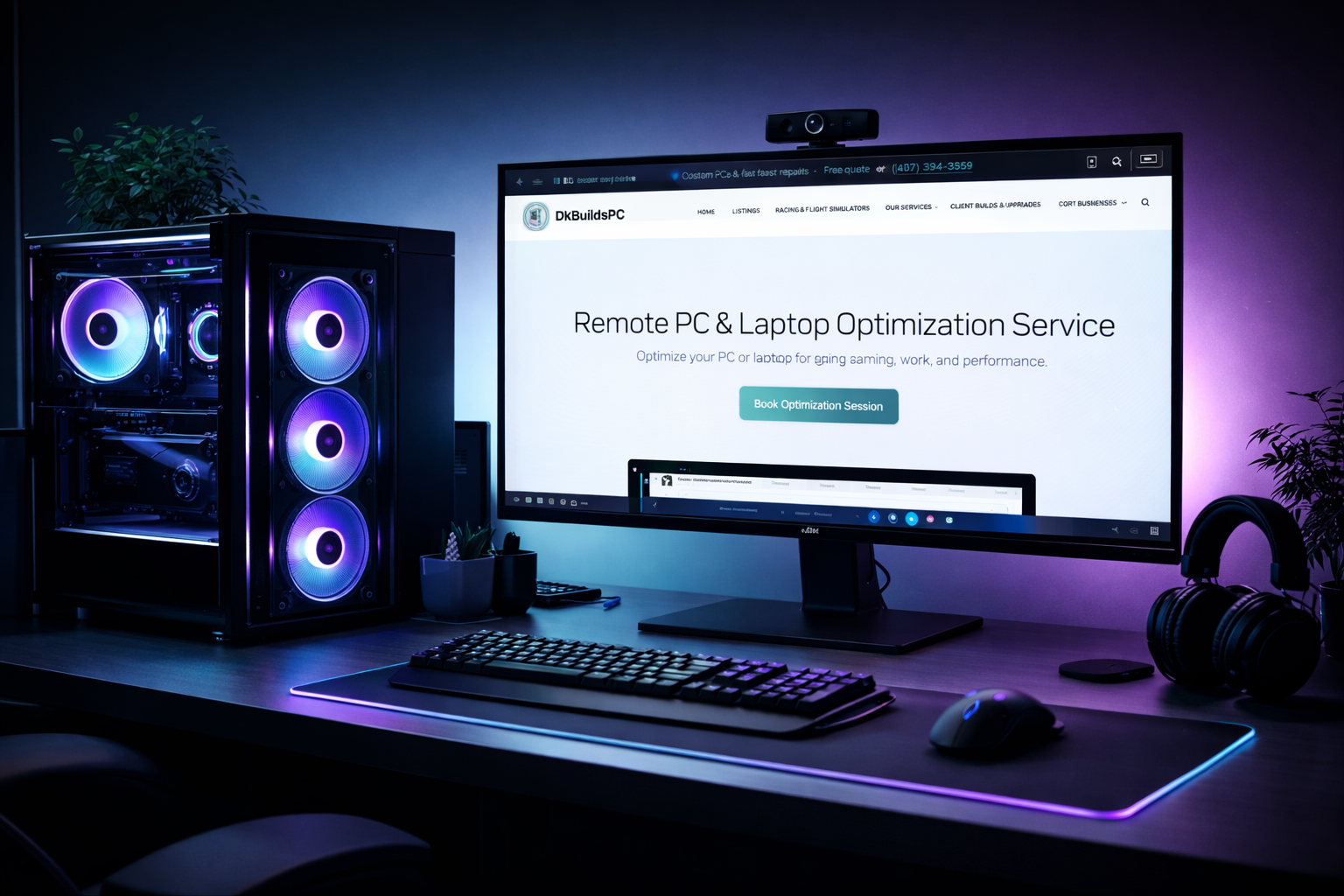
Premium remote optimization for gaming PCs and laptops
Essential
Remote Tune-Up
$49USD
- General Windows cleanup for PCs and laptops
- Startup app review
- Background process cleanup
- Basic speed and responsiveness optimization
Most Popular
Gaming Optimization
$79USD
- Everything in Basic
- FPS and responsiveness optimization
- Gaming driver and settings review
- BIOS tuning guidance when applicable
Advanced
Full Optimization
$119USD
- Everything in Gaming
- Deeper system review
- Streaming/recording setup
- Expert recommendations
Who This Service Is For
Remote PC Optimization for Gaming, Work, and Laptops
Our remote PC optimization service is ideal for gamers who want better FPS and responsiveness, laptop users dealing with slow performance, and anyone who wants a cleaner, faster Windows experience without bringing their device in person.
Simple Process
How Remote PC Optimization Works
- Choose your package
- Submit your contact and PC or laptop details
- Pay online securely
- Get redirected to our Calendly booking page
- Select a time for your remote optimization session
Before You Start
Before your session
- Use a stable internet connection
- Keep your PC or laptop plugged in
- Close sensitive files
- Back up important data
- Be available if restart help is needed
Secure Payment
Complete Your Booking
Fill out the form below to choose your package, share your PC or laptop details, and complete payment securely. After payment, you’ll be automatically redirected to our Calendly page to choose your appointment time for your remote PC optimization session.
After submitting your booking and payment, you will be automatically redirected to our Calendly booking page to schedule your session. Please choose a time that works best for your remote PC optimization.