FREE Custom PC Build Quotes
• Receive a personalized parts list and ready-to-order quote within
24–48 business hours.
Request Yours →
FREE Custom PC Quote →
Best Back-to-School PCs for 2026
Learn how to choose the right computer for schoolwork, gaming, engineering, design, content creation, and future upgrades.
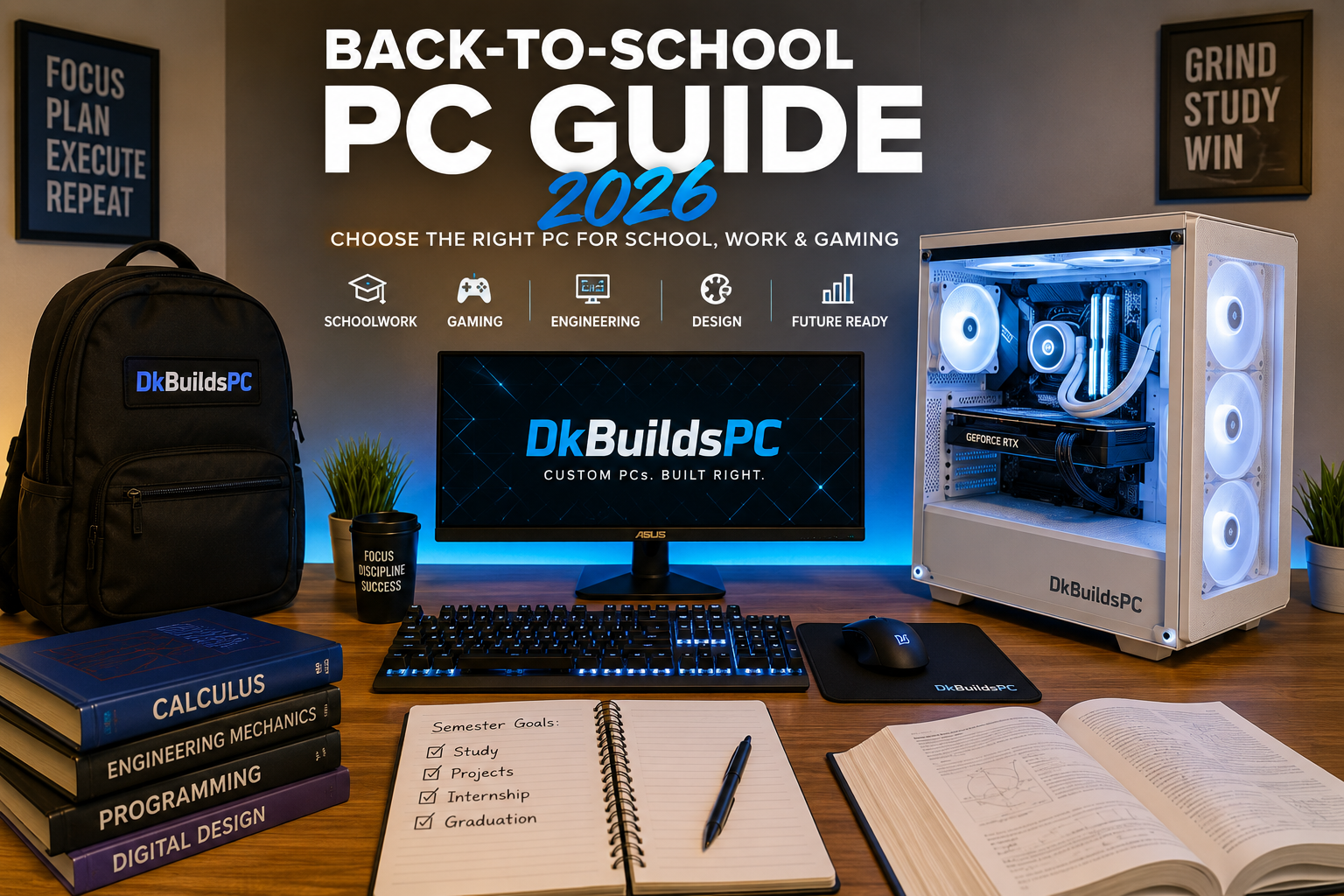
Choosing the right computer for school does not have to be overwhelming. The best option is not always the most expensive PC—it is the system that comfortably handles the student’s classes, required software, entertainment, and future needs.
Whether you are shopping for high school, college, engineering, business, design, or gaming, this guide explains what matters before you spend your money.
Start With What the Student Will Actually Do
Before comparing processors or graphics cards, think about the programs, classes, games, and activities the computer needs to support.
Everyday Schoolwork
For research, Microsoft Office, video calls, online classes, and general multitasking, prioritize a modern processor, at least 16GB of memory, and solid-state storage.
Gaming and School
Students who also play games need a dedicated graphics card and a properly matched processor for smooth gameplay without sacrificing school performance.
Engineering and Technical Programs
CAD, programming, simulations, data analysis, and virtual machines may require a stronger processor, additional memory, and more storage than a basic school computer.
Design and Content Creation
Video editing, photography, animation, and 3D work benefit from a capable graphics card, 32GB of memory, fast storage, and a quality display.
Recommended PC Specifications for Students
These recommendations are a practical starting point. Exact hardware should still be selected around the student’s programs, games, budget, and performance goals.
| Student Type | Memory | Storage | Graphics |
|---|---|---|---|
| General schoolwork | 16GB RAM | 500GB–1TB SSD | Integrated graphics |
| School and 1080p gaming | 16GB–32GB RAM | 1TB SSD | Dedicated gaming GPU |
| Engineering or programming | 32GB RAM | 1TB or more | Depends on software |
| Editing, design, or 3D work | 32GB or more | 1TB–2TB SSD | Dedicated creator-capable GPU |
DkBuildsPC Tip:
Do not judge a computer only by labels such as “Core i7,” “Ryzen 7,” or
“gaming PC.” The processor generation, graphics card, cooling, memory,
power supply, and overall component quality all matter.
Should a Student Buy a Desktop or Laptop?
Choose a Laptop When:
- The computer must travel between classes.
- Portability and battery life are priorities.
- The student has limited desk or dorm space.
- Most coursework uses lighter applications.
Choose a Desktop When:
- Performance and upgradeability matter most.
- The student games, edits videos, streams, or uses demanding software.
- The computer will remain primarily at home or in a dorm.
- You want easier repairs and future component upgrades.
Many students use a lightweight laptop or tablet for class while keeping a more powerful desktop at home for demanding work and gaming. The right choice depends on how often the computer must travel.
Why Consider a Custom Student PC?
A custom PC allows the budget to be directed toward the components the student will actually use. The processor, graphics card, memory, storage, cooling, and appearance can all be selected around specific goals.
Better Component Selection
Parts are chosen to work together without unnecessary overspending.
Future Upgrade Options
Storage, memory, graphics, and other components can often be upgraded
later.
Performance for Work and Gaming
One computer can be designed for classes, creative software, and
gaming.
Built Around Your Budget
The system can prioritize the performance that matters most to the
student.
Explore our gaming PCs available to order , browse our recommended gaming PC builds , or request a free custom gaming PC quote from DkBuildsPC.
Back-to-School PC Buying Checklist
Confirm the software required by the school or program.
Decide whether portability is truly necessary.
Choose enough memory for multitasking.
Select solid-state storage instead of relying on a slow hard drive.
Match the graphics card to the games and programs being used.
Leave room in the budget for a monitor, keyboard, mouse, or headset.
Consider future upgrades instead of purchasing only for today.
Review the warranty, support, and component quality before buying.
Already Have a PC for School?
A new computer may not always be necessary. A slow system may benefit from additional memory, faster storage, professional diagnostics, cleaning, upgrades, or performance optimization.
DkBuildsPC provides PC repair and diagnostic services in Orlando , hardware upgrades, and remote PC optimization for customers who want smoother performance without replacing their entire computer.
Need Help Choosing the Right PC?
Tell us your budget, classes, software requirements, favorite games, and performance goals. DkBuildsPC can recommend the right system or build a custom PC designed around your needs.
Custom PCs built by DkBuildsPC in Orlando, Florida. Local pickup and nationwide shipping available.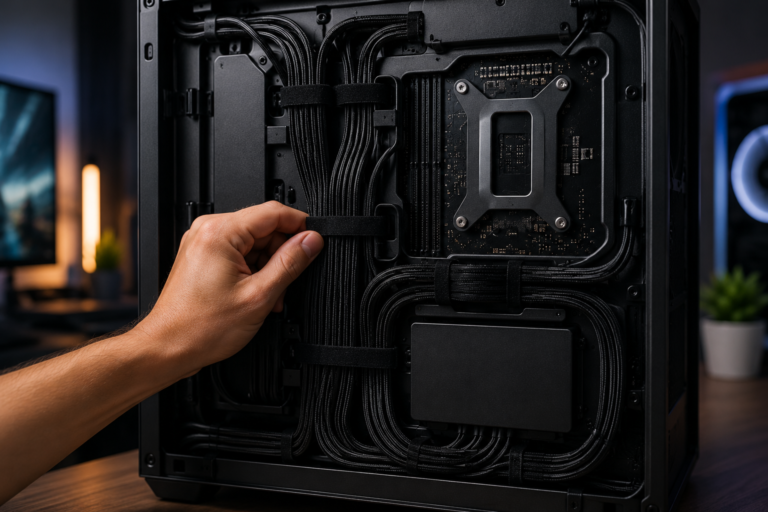
This really helped me out! I was going to buy a laptop for my kid but I didn’t know a desktop might be better since it can be upgraded later. The chart showing RAM and storage for each type of student made it super easy to understand. Thanks for breaking it down so simple!
Thanks for reading! We’re glad the guide made the decision easier. A desktop can be a great long-term option for students because individual components can be upgraded as their needs change.